Instagram’s AI filter redefines photo editing with a subtle touch of colors, aesthetics, and drama. Creating eye-catching images, from ordinary snaps to professional-level visuals, is now simpler than ever. It is the ultimate tool for your feed or brand to pop and shine among your followers.
Here’s a step-by-step practice guide to use your Instagram AI filters seamlessly.
- To begin with, open the Instagram app and click on the + button at the bottom center of your page.
- Create a new post by uploading a photo or video from your gallery or by taking a new one directly from the app.
- After choosing the image, tap ‘NEXT’ in the top right corner to access the editing options.
- Sliding to the next option, you can see various filters, some powered by AI tools. The AI filters adjust light, contrast, and brightness, giving a professional touch-up with minimal effort.
- To add a more personalized touch, tap on the selected filter again to access the intensity slider. Use the slider to balance how strong or subtle the effect appears
- Besides the AI filters and edits, Instagram offers a manual editing tool for brightness, saturation, contrast, and warmth. These tools give a much finer look to your AI edits.
- Once you finish your edits, tap ‘NEXT’ again to proceed to the final stage.
- After completing the edits, for the final touches, add a caption, hashtags, and locations; tag friends or brands.
- Now, you can publish your post and share it with your friends.
Instagram AI filters are time-saving and user-friendly tools. Creating top-notch content with aesthetics and consistency for better audience engagement and brand growth.
Share This Article
About the Author: Lisa Gibson

Related Articles
 October 22nd, 2026 | 3 minutes read
OpenAI introduced Dots on September 29, 2026, as always-on AI agents designed to manage ongoing tasks across connected applications. Powered
- October 15th, 2026 | 2 minutes read
Google has completed its September 2026 spam update. The update took nearly two weeks to complete and became the longest
- October 8th, 2026 | 2 minutes read
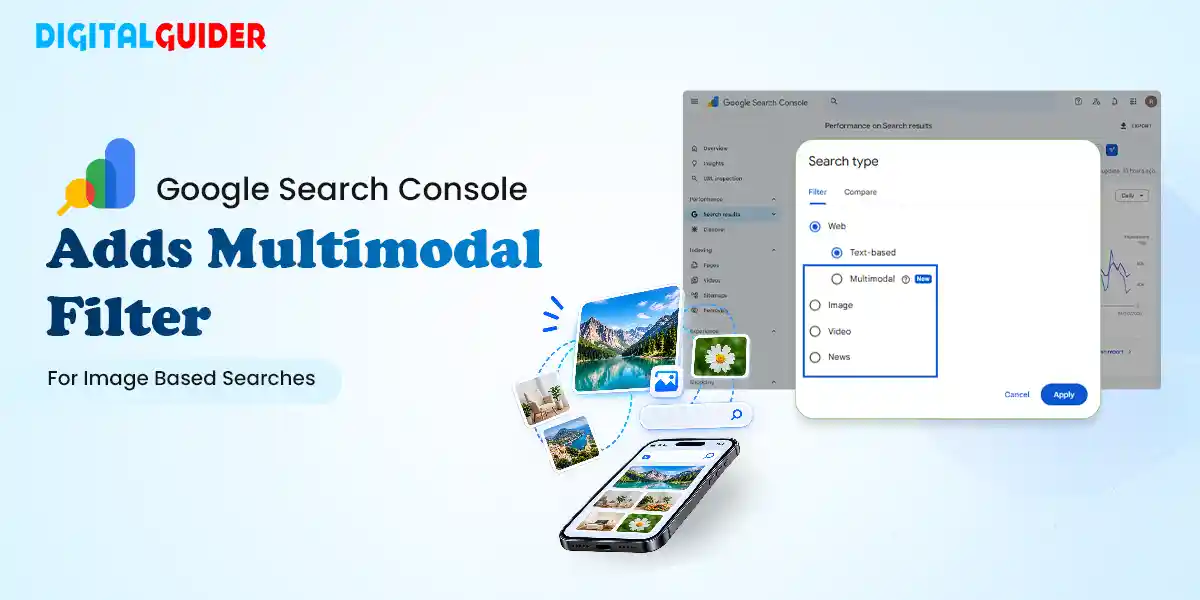
Google Search Console has introduced a new Multimodal filter that gives website owners more insight into how their content performs
 September 24th, 2026 | 2 minutes read
Google is expanding its AI-powered Search into travel, providing users with new methods to check airline fares, compare points and